Save links and bookmarks to read later
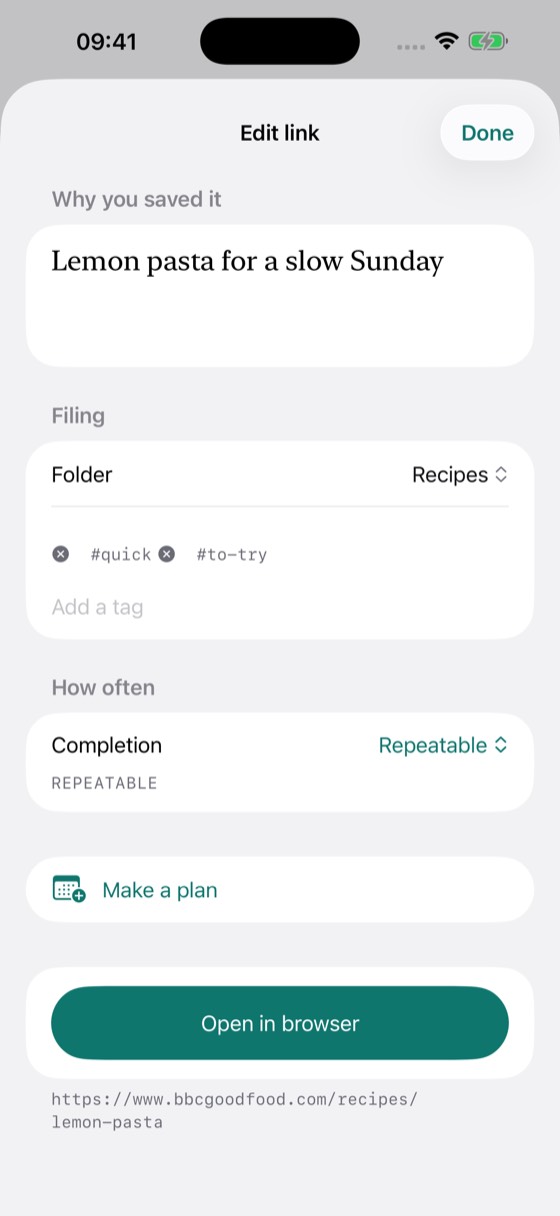
Save Instagram, TikTok and YouTube links, recipes, places and articles: send a link to Collect and Do from the share sheet in any app, or paste one in. Add a note so your future self remembers why it mattered. Saving through the share sheet works without waiting for the network, and everything lands in Inbox until you file it.
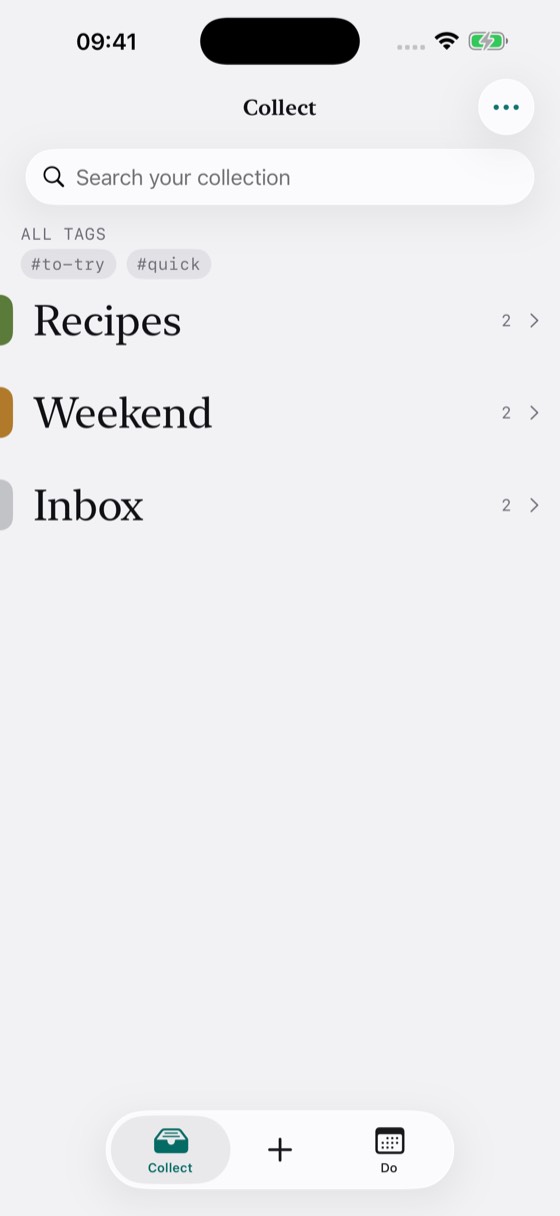
Organize saved links into folders and tags
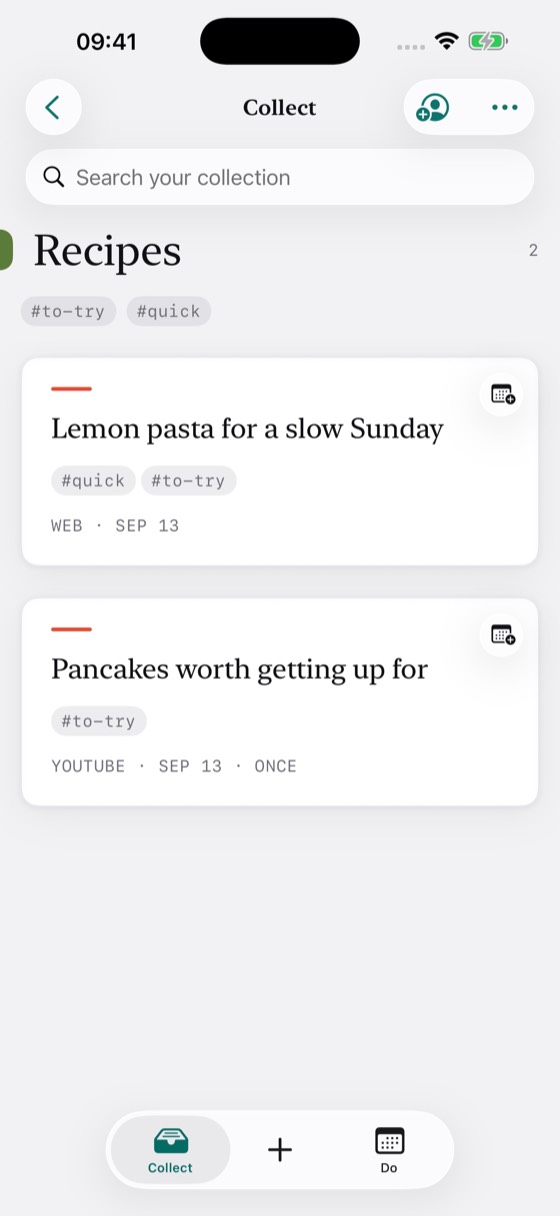
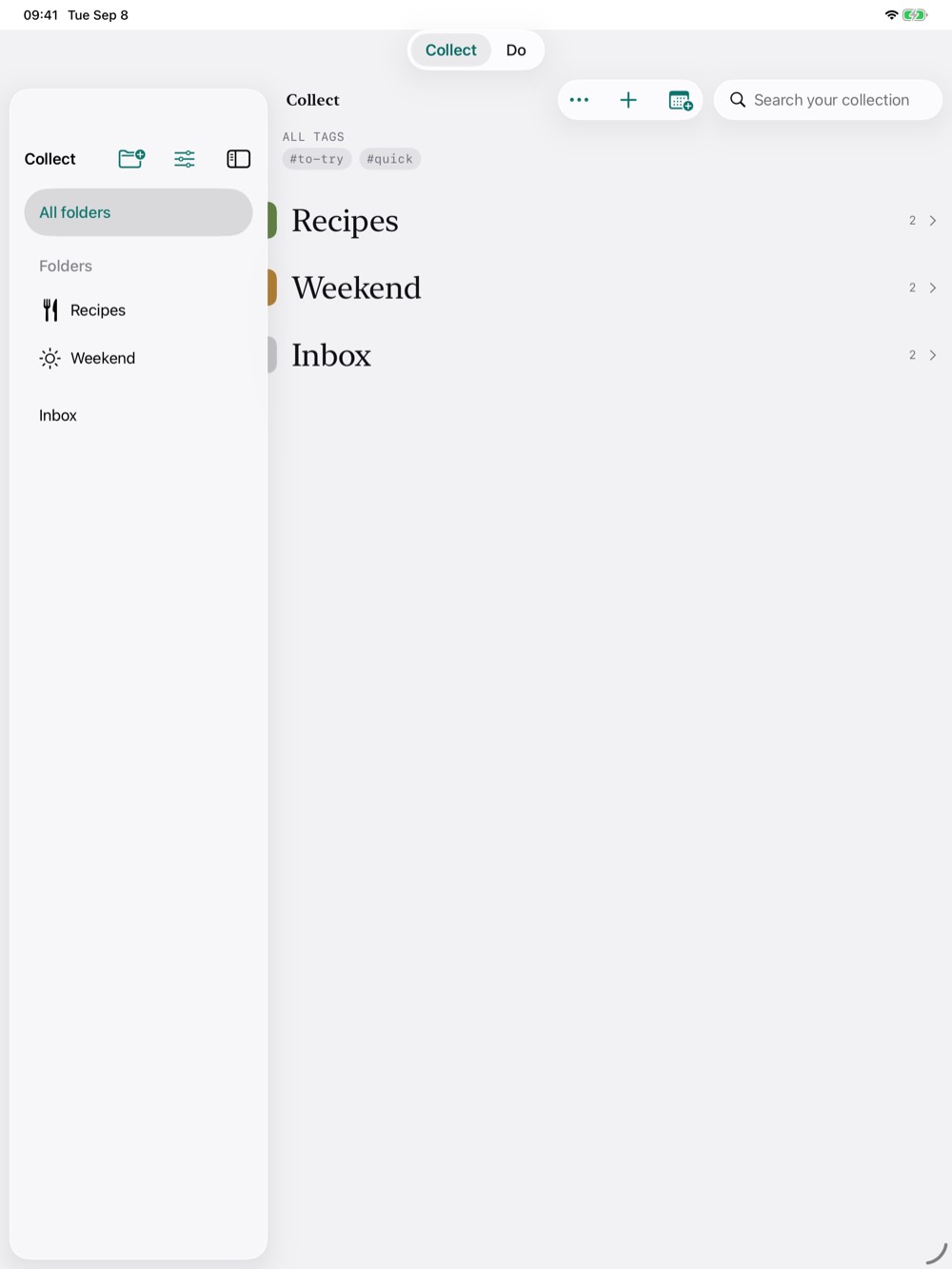
Keep links in folders and find them again with tags and search. Your notes take centre stage on each card, so a link is easy to recognise even when a website doesn’t provide a preview.
Turn saved links into a calendar planner
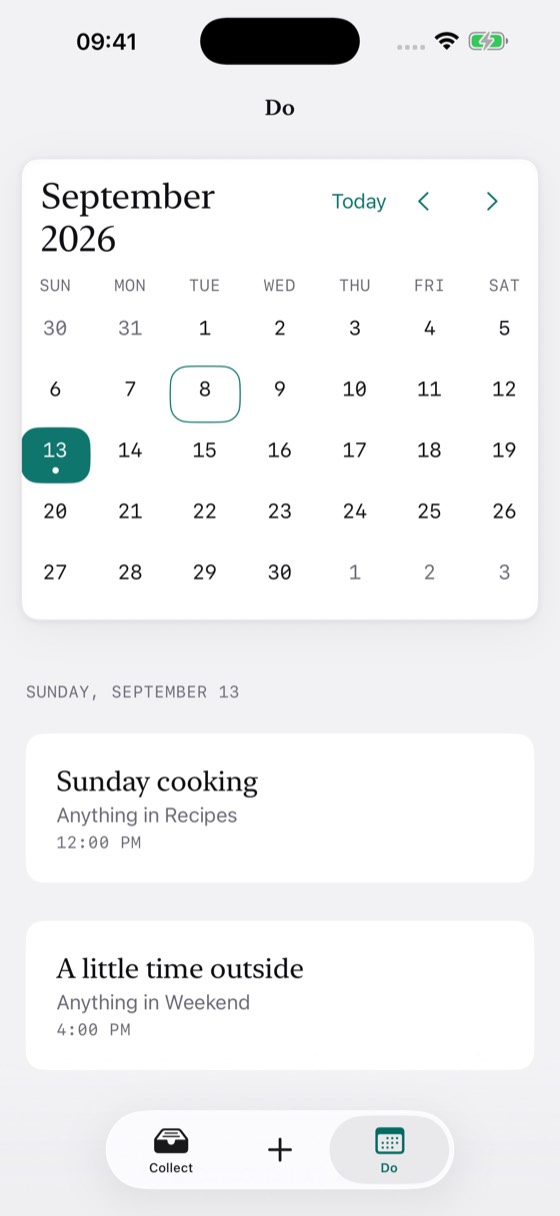
Use Collect and Do as a planner for your saved links. Create a calendar plan for a link, a folder or a tag. Choose a day and set it to repeat if you like. Plans live in a dedicated calendar, with reminders handled by Calendar. Saving and organising links works without calendar access.
Choose what to do next
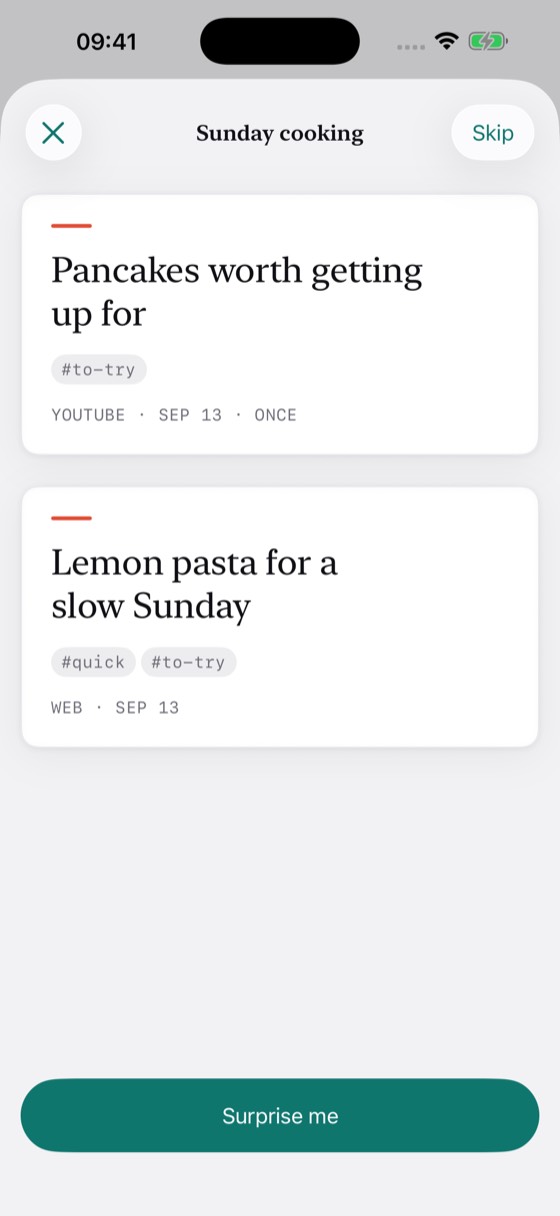
Open a plan to see the links available for it. Choose one yourself or tap Surprise me. Mark it done, skip this time, or undo a completion. Set a link to be done once, repeated freely or used a chosen number of times.
Share folders with family and friends
Invite people to a shared folder. Everyone can add and remove links and see shared completion history, while personal plans and completion rules stay their own. Sharing uses iCloud.
Start free. Unlock once.
Save as many links as you like in Inbox and two folders of your own. Calendar plans, tags, search and Surprise me are included. Folders shared with you never use your allowance, and joining is free.
An optional one-time purchase unlocks unlimited folders of your own and the ability to invite people to your folders. No subscription.
Available in English, French, Italian, German and Spanish.